Solutions

Our mission is to provide unparalleled value for every client’s dollar. We are committed to developing lasting business relationships, keep your business agile, the metrics current, customers content, and the creative spirit alive.

Why CimpleSoft

We believe that true expertise lies not only in possessing specialized knowledge but also in the ability to adapt, innovate, and respond effectively to the ever-evolving business landscape.

Our commitment to leveraging timeless wisdom alongside contemporary methodologies distinguishes us as trusted partners in guiding organizations through transformative change

Discover how CimpleSoft’s Data Yogis can put your data to work, and find efficiencies, while creating more sources of value.

Products

CimpleConnect

Rethinking How Business Systems Connect.

Your business runs on multiple systems. Connecting them shouldn’t be complicated. 

From insurance platforms to financial and business applications, organizations rely on multiple technologies to manage their operations. Yet connecting these systems often involves complex integrations, manual effort, and ongoing maintenance. 

Meet CimpleConnect – a smarter, simpler approach to enterprise integration. 

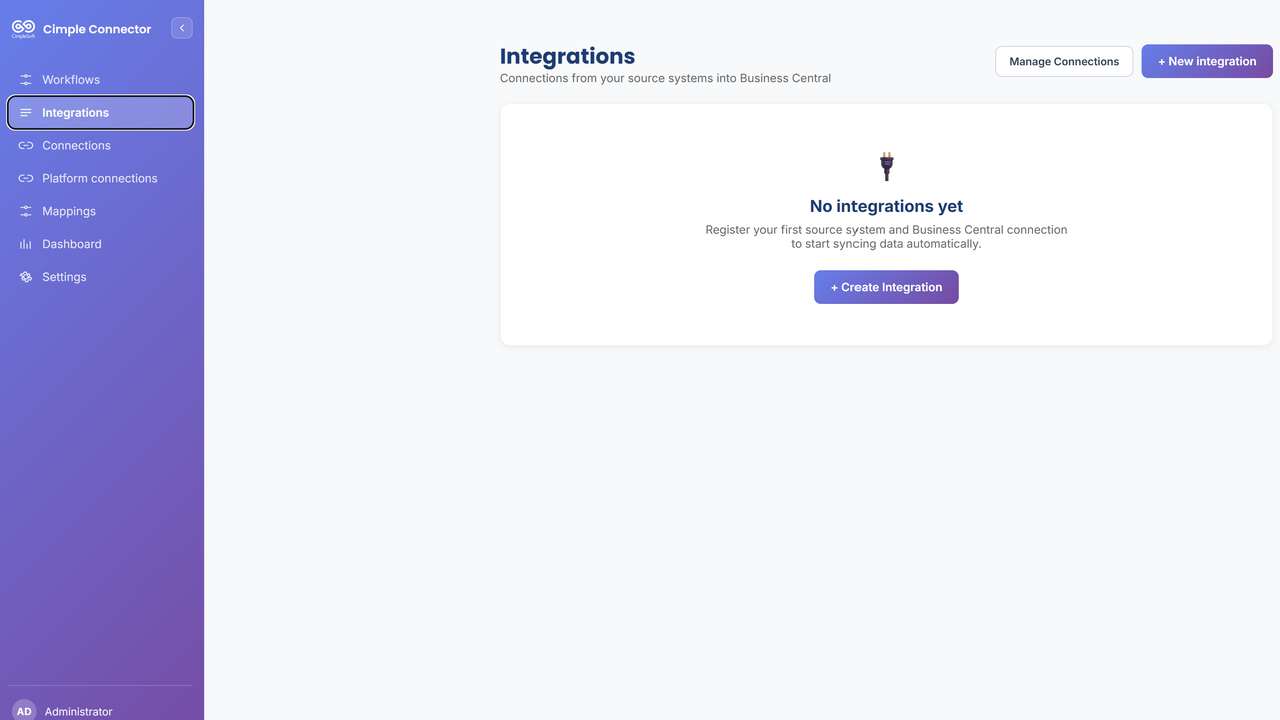
Developed by CimpleSoft, CimpleConnect is a cloud-hosted, minimal-code integration platform designed to connect supported business applications with Microsoft Dynamics 365 Business Central. 

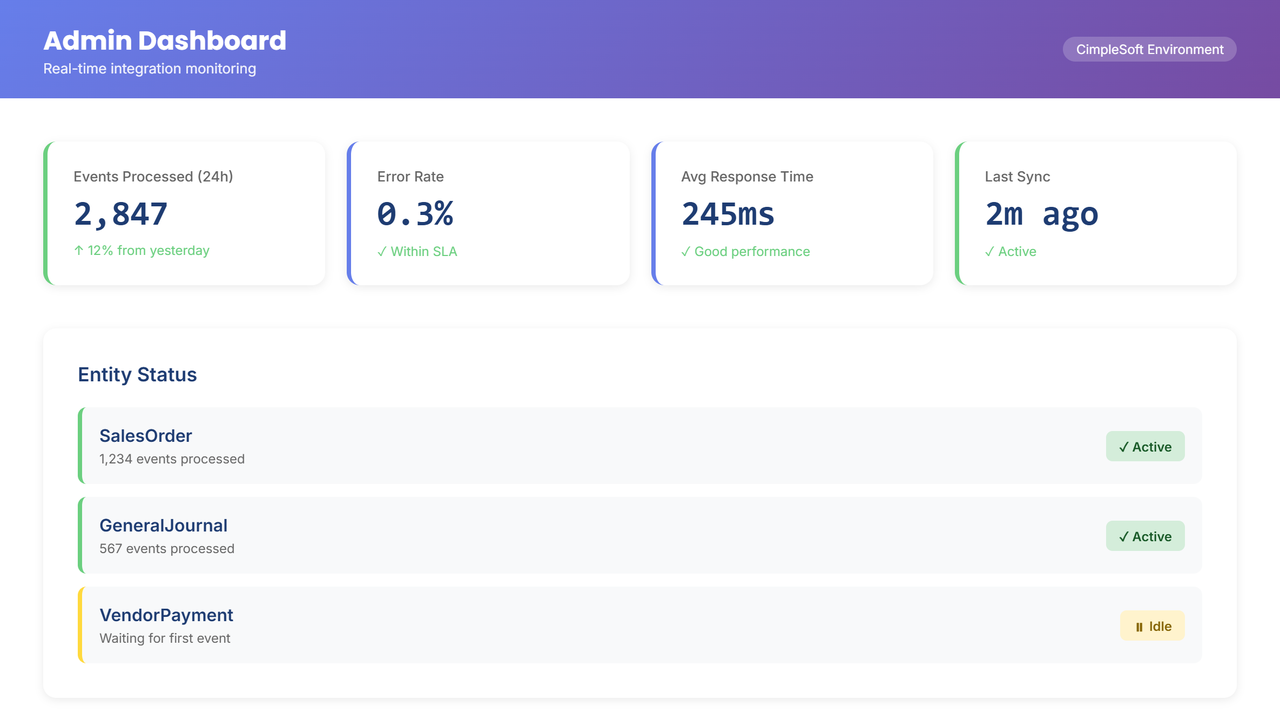
With configurable mappings, automated data transformations, and real-time event processing, CimpleConnect helps businesses simplify integration management and gain greater visibility and control. 

Less Complexity. More Automation. Better-Connected Systems. 

Adapt

Configure with Minimal Code 

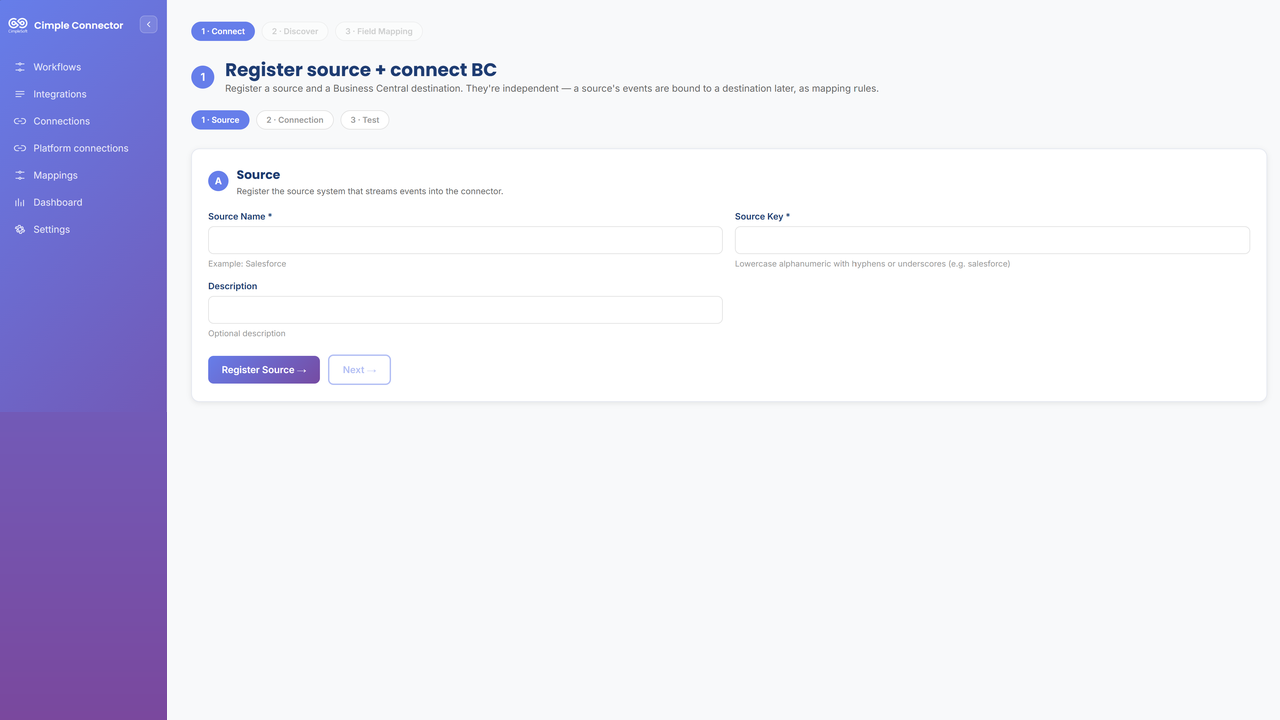
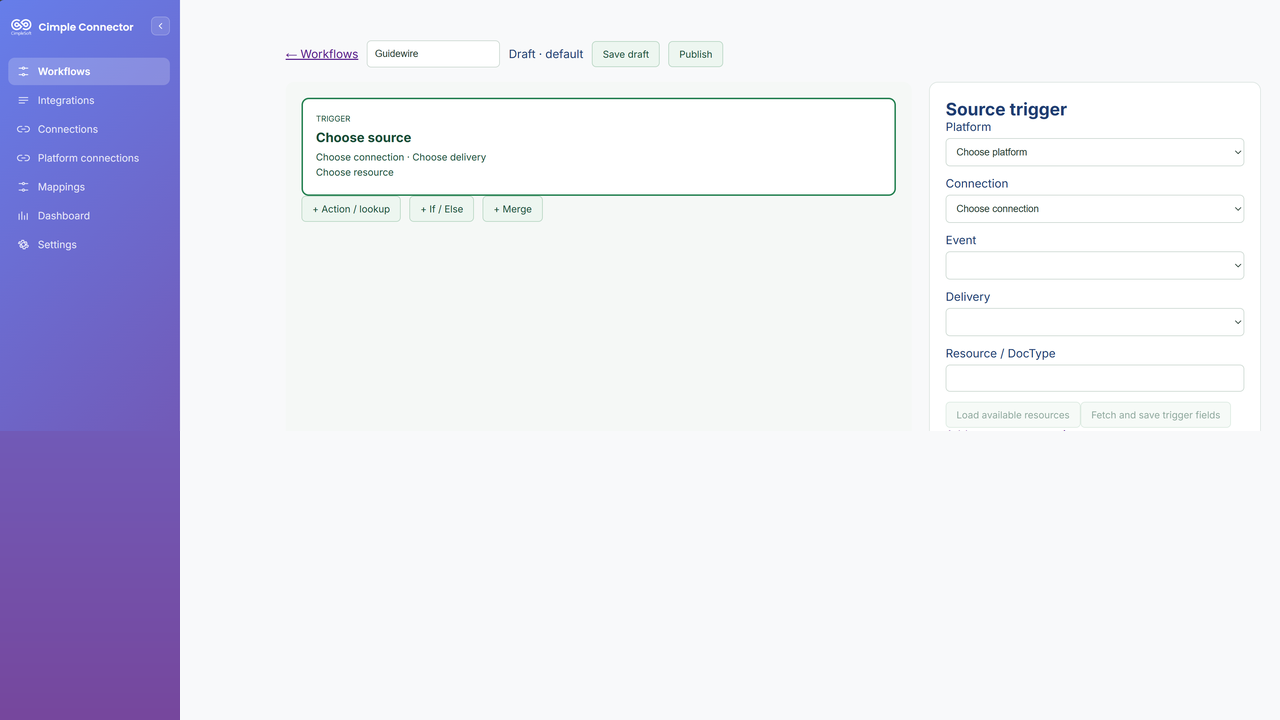
Connect supported applications, automatically discover Business Central entities, and configure field mappings, transformations, and business rules with minimal coding. 

Your business evolves. Your integrations should too.

Balance

Keep Your Systems in Sync 

Automate business event processing, detect duplicate transactions, and reduce manual data entry between connected applications. 

Keep information flowing, with fewer manual handoffs.

Create

Transform & Trace 

Configure data transformations and validation rules, with detailed audit trails showing how destination records are generated. 

Know what was processed, how it was transformed, and where it went.

Flex

Recover with Confidence 

Identify processing failures, automatically retry eligible errors, and reprocess failed transactions through controlled replay. 

Greater visibility. Easier troubleshooting. More control. 

How CimpleConnect Works

Connect → Configure → Transform → Monitor 

  1. Connect: Establish secure, authorized connections between supported source applications and Business Central. 
  2. Configure: Discover destination entities and define mappings and business rules with minimal coding. 
  3. Transform: Automatically process incoming events and generate destination records. 
  4. Monitor: Track integration activity, investigate exceptions, and reprocess failed transactions when required. 
Integration Use Cases

Connecting Business Operations with Finance 

CimpleConnect is designed to support business-to-finance integration scenarios, including: 

  • Insurance Operations: Policy, premium, claims, and payment transactions. 
  • Financial Management: Journal entries and financial record creation. 
  • Master Data: Customer and vendor information synchronization. 
  • Business Applications: Connecting operational transactions with Microsoft Dynamics 365 Business Central. 
  • Integration Monitoring: Audit trails, exception handling, and transaction reprocessing. 

Integration availability depends on supported source systems and configurations. 

Xduler

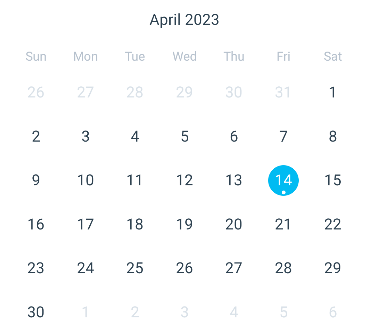
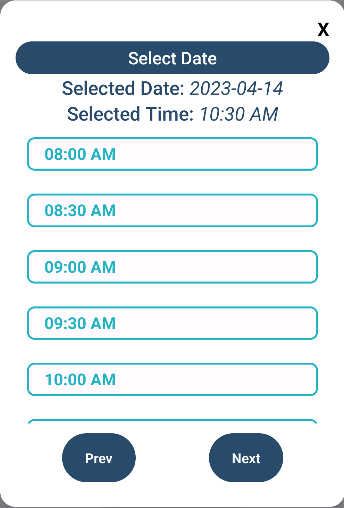
Xduler mobile app helps simplify your business with appointment scheduling. With Xduler, you can say goodbye to the hassle of coordinating schedules and managing appointments manually.

Our platform is designed to save you time, increase efficiency, and reduce errors. It streamlines your business operations through an integrated platform that encompasses appointment management, scheduling, efficient routing, and real-time client engagement facilitated by instant notifications.

Experience unparalleled efficiency and enhance customer interactions as you take advantage of our comprehensive suite of features. Let Xduler app revolutionize the way you do business and propel your success to new heights.

Adapt

Tailored to fit your workflow, team size, and business needs.

  • xDuler app easily accommodates your unique scheduling requirements, whether you manage individual client appointments, mobile field routes, or multi-person staff calendars.
  • With configurable service types, flexible working hours, and customizable booking rules, the platform molds itself to your operations rather than forcing you to change how you work.

Balance

Achieve harmony in appointment planning.

  • Balancing your schedule is essential for productivity and customer satisfaction.
  • Efficient resource allocation, intelligent scheduling algorithms, and automated reminders ensure a balanced and streamlined appointment planning process.
  • Maintain equilibrium between your business demands and client needs for a seamless experience.

Create

Tailor-made solutions for your scheduling needs.

  • Customize the app to suit your specific scheduling requirements.
  • Personalized time slots to branded interfaces, our app offers the tools you need to create a scheduling solution that aligns perfectly with your workflow and overall brand.

Flex

Embrace change and efficiency in appointment management.

  • With intuitive features and adaptive functionalities, you can effortlessly adapt your schedules, make adjustments on-the-go, and accommodate changing priorities.
  • Freedom to flexibly manage your appointments and optimize your time with our app’s robust set of tools.
  • Experience the transformative capabilities of our app and take your appointment management to new heights.
Quality Design

The Xduler mobile app features a simple interface design for simplicity and functionality. With intuitive navigation and a clean layout, users can easily manage appointments with minimal effort.

High Performance

Xduler app ensures lightning-fast response times and minimal latency, even during peak usage. Its robust technology infrastructure guarantees smooth operation, empowering efficient productivity.

AI Powered Use Cases
  • Automated Inspection Report Analysis​ 
  • Predictive Scheduling & Resource Allocation​ 
  • Inspection Duration Prediction
  • Arrival Time Prediction Accuracy​ 
  • Chatbot Integration​ 
  • Personalized Recommendations
  • Sentiment Analysis 
  • AI-powered routing and navigation APIs that consider real-time traffic and weathers 

Xduler-Fleet Management 

Our Fleet Management Tool is your all-in-one platform for streamlining fleet operations, managing employee schedules, and ensuring compliance with union regulations.

Whether you’re overseeing ferry operations or managing department logistics, this comprehensive solution helps you stay ahead. By bringing fleet oversight, employee scheduling, and real-time communication together, it simplifies your workflow and elevates performance across the board. 

Adapt

Our tool adapts to the unique needs of your organization, no matter the size or scope. From tracking ferry locations and planning trips to monitoring vehicle maintenance and availability, you can manage every detail in real-time. 

  • Fleet Scheduling Made Simple: Stay on top of trip schedules, optimize load capacity, and reduce downtime. 
  • Real-Time Updates: Know exactly where your fleet is and how it’s performing at any given moment. 
  • Trip Optimization: Ensure every route is covered efficiently and on time. 

In the same way, it adapts to your workforce. Automate employee scheduling while honoring union rules, and let employees manage shift preferences, time-off requests, and availability from a central hub

Balance

Strike the right balance between operational efficiency and employee satisfaction. Our tool helps you coordinate shifts while complying with union regulations around hours, breaks, and time-off. 

  • Smart Scheduling: Assign shifts with confidence, knowing that every rule and preference is factored in. 
  • Union Compliance Built-In: Eliminate the guesswork and ensure every schedule meets required standards. 
  • Time-Off Management: Approve vacations and personal days without disrupting workflow. 

With everything in sync, you’ll reduce errors, minimize conflicts, and maintain full coverage across your team. 

Create

Create a workplace where employees feel empowered and operations run smoothly. 

  • Employee-Preferred Shifts: Let team members indicate their preferred schedules. Our system takes their input into account to promote fairness and satisfaction. 
  • Shift Swapping Made Easy: Employees can request swaps directly, reducing administrative overhead and increasing flexibility. 
  • Clear Communication: Real-time notifications and reminders keep everyone informed and on schedule. 

You’re not just building better operations — you’re fostering a culture of ownership, trust, and collaboration. 

Flex

Stay agile with powerful insights and a platform that grows with your organization. 

  • Analytics That Drive Decisions: Access reports on fleet usage, employee attendance, and performance trends. 
  • Instant Alerts: Get notified about issues before they escalate — from fleet breakdowns to scheduling conflicts. 
  • Scalable and Customizable: Add new teams, fleets, or locations as needed. Customize rules and workflows to fit your business perfectly. 
  • Anywhere Access: Cloud-based functionality means your data is always at your fingertips, no matter where you are. 

With increased efficiency, reduced costs, and real-time visibility, you’ll gain the flexibility to lead with confidence and adapt quickly to change.

AI Powered Use Cases
  • Smart Shift Scheduling
  • AI Vacation Planning
  • Fleet Trip Optimization
  • Predictive Fleet Maintenance
  • Automated Union Compliance
  • Workforce Performance Analytics

Time-Tracking Application

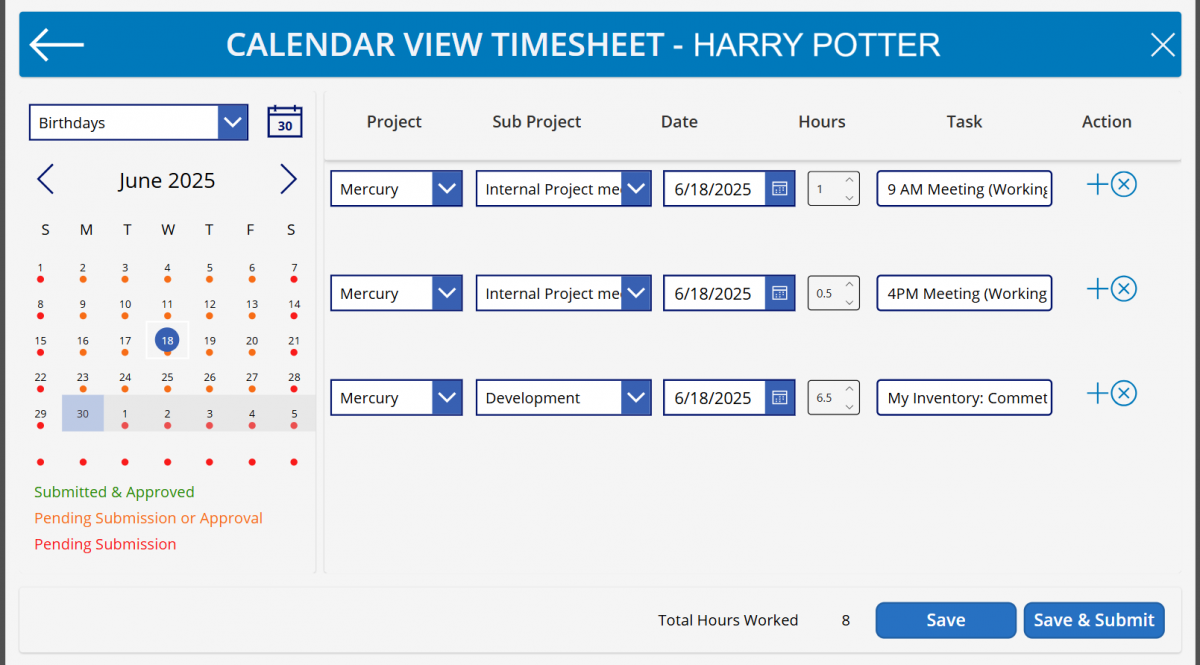
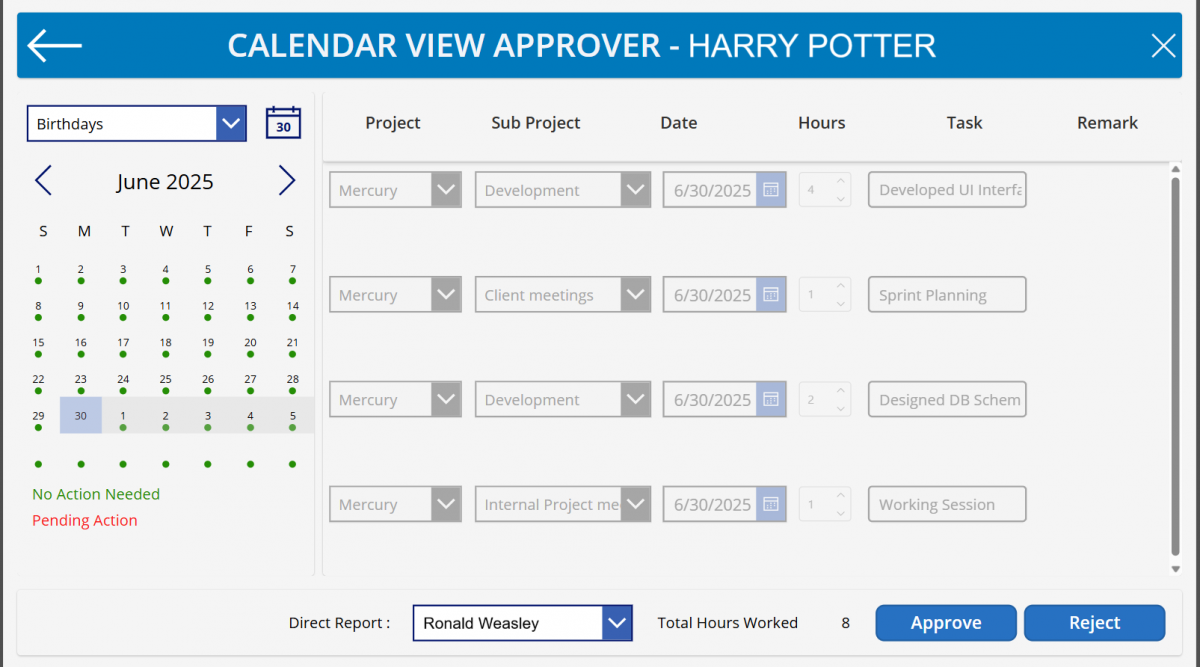
Our Time-Tracking App for Microsoft Dynamics 365 simplifies time tracking, making it effortless for every employee. Employees can quickly log their hours using an intuitive, calendar-based interface that’s easy to navigate. Submissions are then routed directly to managers for approval, streamlining workflows, and the app even supports multi-level approval hierarchies for complex organizational structures. The mobile-friendly design ensures employees can submit timesheets from anywhere, enhancing flexibility and convenience.

Beyond basic time entry, our app offers robust customization and seamless integration. Project and subproject mappings are fully configurable to precisely fit your business needs, and support for Dynamics objects like Accounts and Contacts provides richer context. We’ve included custom validation to ensure accurate time entry aligned with your internal policies. Thanks to seamless integration with Dynamics 365, your time-tracking data remains consistent across all systems, improving data integrity and operational efficiency.

An additional powerful feature is the reusable time tracking component. This innovative component can be embedded into any form within your Model-Driven Apps, allowing you to capture the time users spend working on specific records or requests. This capability provides even greater insight into productivity and resource allocation, helping you optimize resource management.

Our app is available on Microsoft Marketplace

Adapt

Tailor the app to match your organizational structure, project hierarchies, and approval flows. 
Easily configure internal objects like Accounts, Contacts, or custom entities for time entry. 

Balance

Empower teams to manage their time effectively with clear, accessible interfaces. 
Managers get a real-time view of team workloads and pending approvals.

Create

Define your own rules for mapping time against projects and subprojects. 
Leverage Dynamics customization capabilities to extend or brand the experience. 

Flex

Switch between dates and weeks effortlessly with the built-in calendar control. 
Log hours from desktop or mobile, anywhere, anytime—no constraints. 

Quality Design

Designed with the user in mind, our Time-Tracking App for Microsoft Dynamics 365 offers a superior experience. The calendar-based interface provides an easy and visual way to track time, complemented by uncluttered screens and simple navigation. This focus on clean and functional design ensures that employees can complete their timesheets quickly and without fuss.

High Performance

The Time-Tracking App for Microsoft Dynamics 365 is built for peak performance, offering lightning-fast response times and virtually zero latency. This robust design ensures smooth operation for every task, from logging hours to approvals, directly supporting efficient productivity across your organization.

Grant Management System

Powered by Microsoft Dynamics 

AI-Powered Decision Support with Microsoft Copilot Studio

Smarter Insights. Better Decisions. Human Expertise.

CimpleSoft GMS leverages custom AI agents built with Microsoft Copilot Studio to deliver intelligent, proactive decision support throughout the grant management lifecycle. By analyzing historical grant data, financial information, and project performance, AI brings relevant insights directly into existing workflows.

Historical Grant Intelligence
Compare new applications with similar past grants, including funding decisions, awarded amounts, project outcomes, and performance trends. AI proactively highlights meaningful comparisons and key considerations to support informed grant reviews.

Intelligent Disbursement Insights
Gain actionable insights into milestone completion, funding utilization, project progress, and compliance requirements. AI identifies discrepancies and outstanding conditions to support informed disbursement decisions.

AI That Empowers, Not Replaces
CimpleSoft GMS combines AI-driven intelligence with human expertise, ensuring that grant professionals remain in control of evaluations, approvals, and funding decisions.

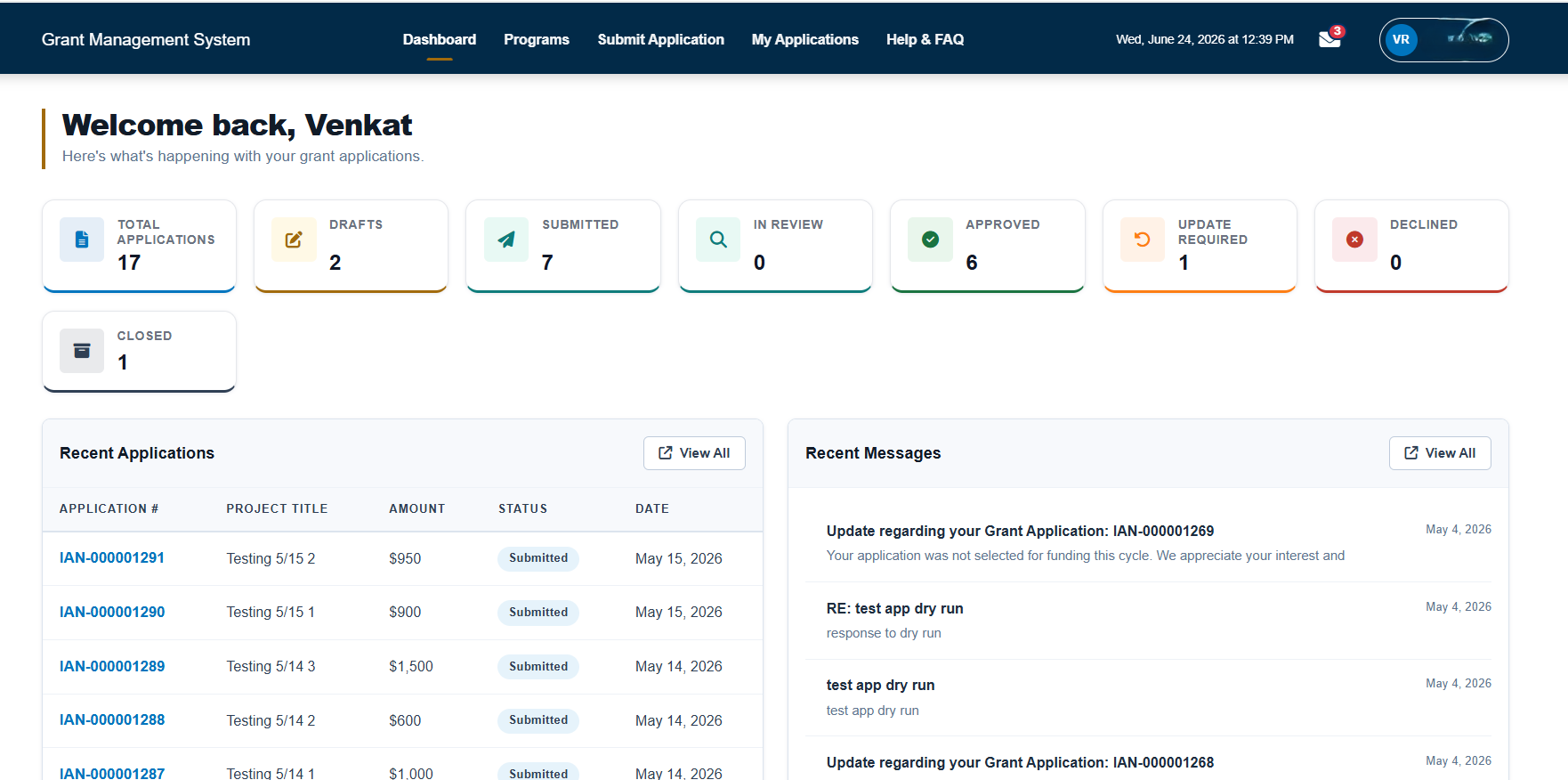
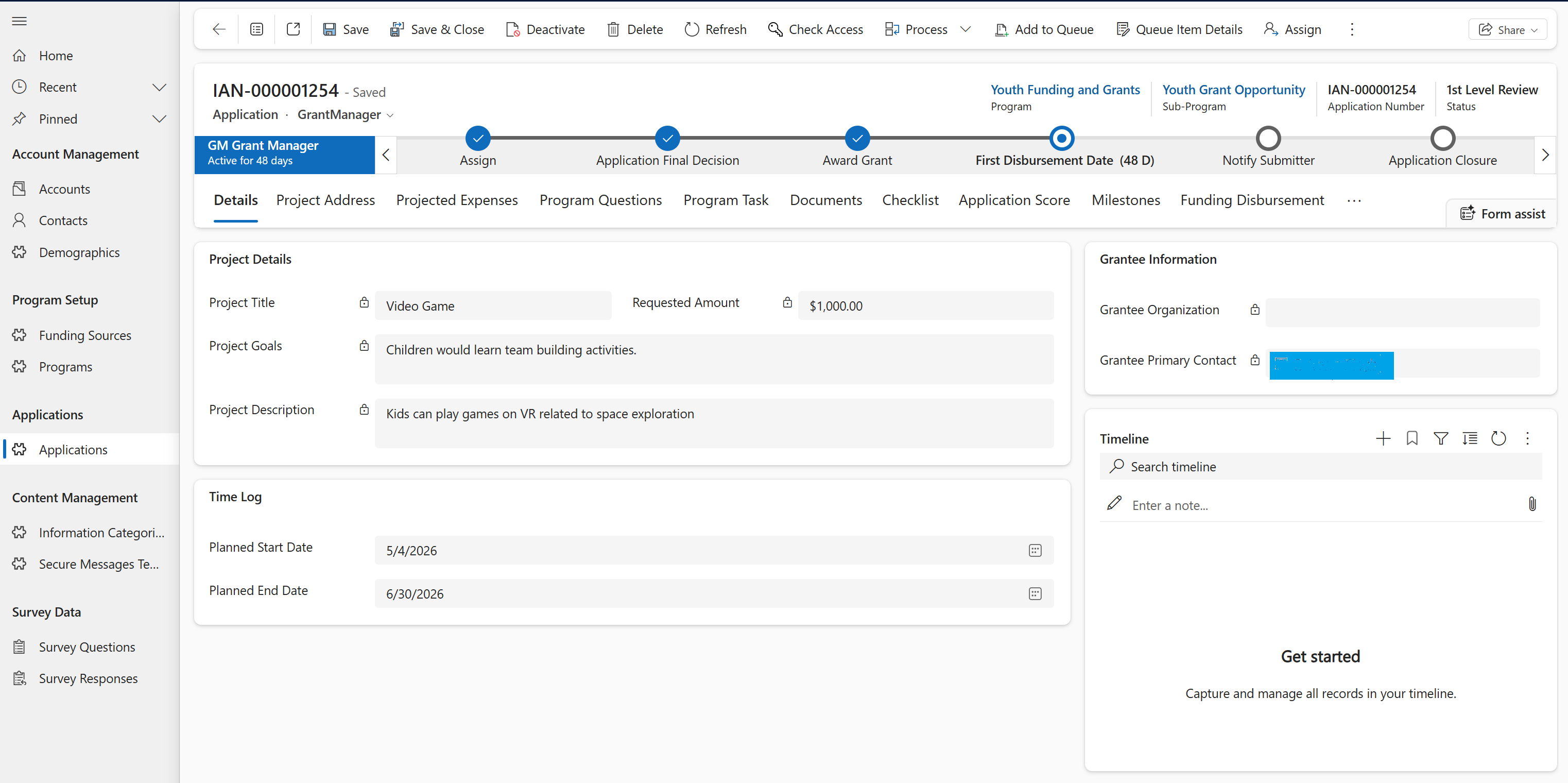
The Grant Management System (GMS) built by CimpleSoft leverages the full strength of the Microsoft Dynamics 365 Power Platform combining Power Pages, Model-Driven Apps, Power Automate, Power BI, and Azure Cloud into one intelligent ecosystem. It manages the complete lifecycle of grants, from submission to financial reconciliation, ensuring transparency, automation, and data integrity. 

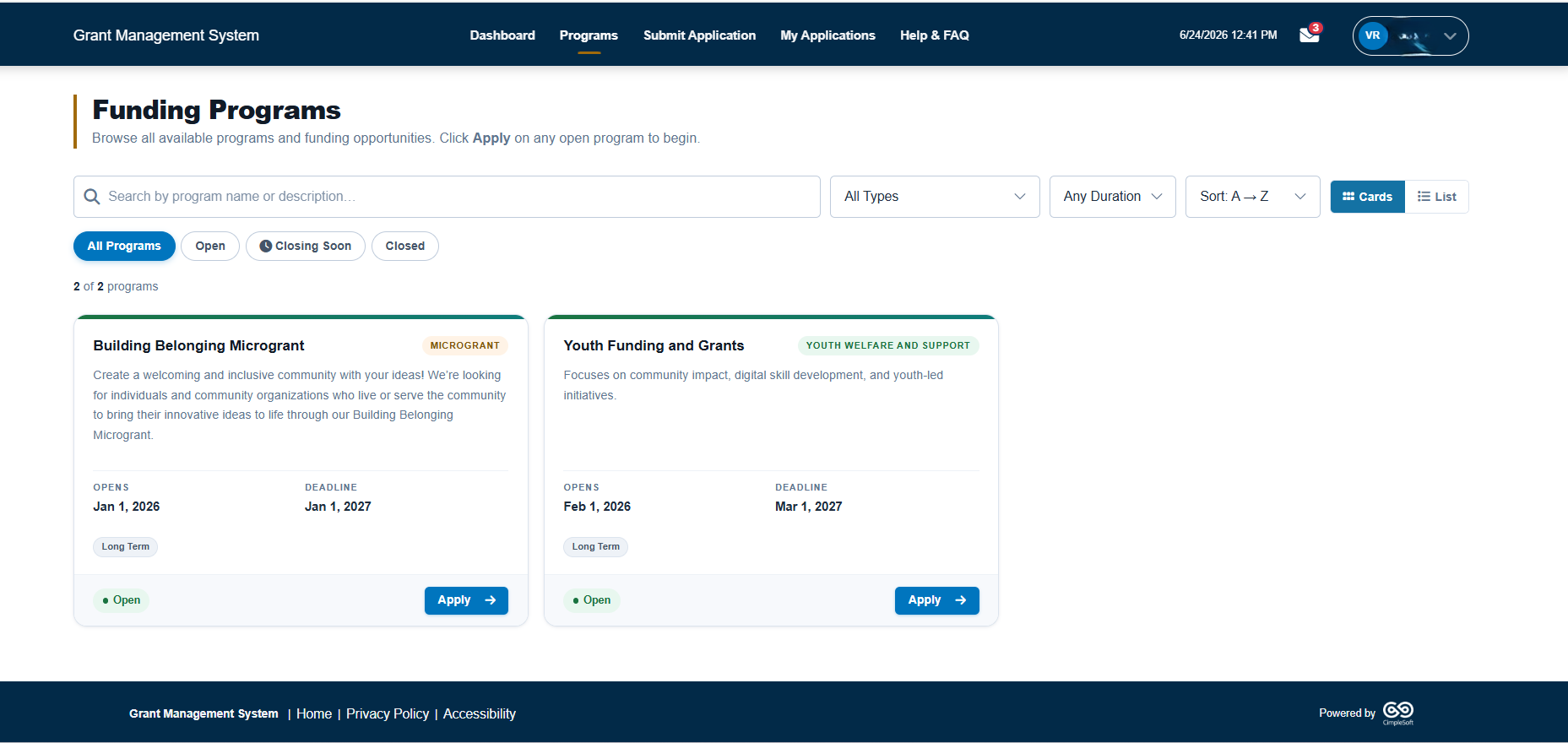
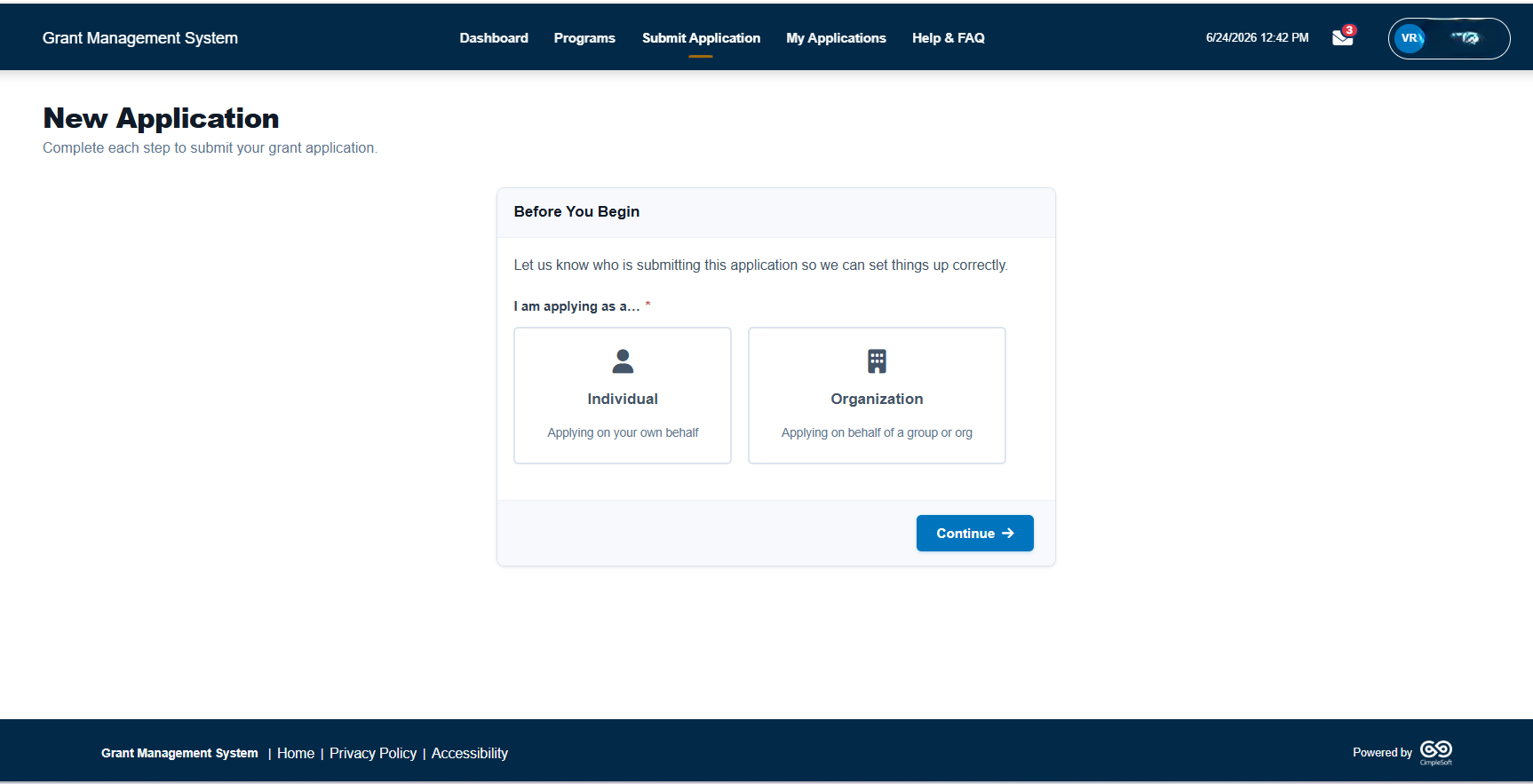
The solution consists of three integrated modules a client-facing Power Pages portal for applicants, a back-office Model-Driven App for reviewers and program officers, and an admin center to launch and manage programs and funding opportunities. Each component works seamlessly through Power Automate workflows and centralized Dataverse data management. 

Integrated with Microsoft Dynamics 365 Business Central, the system extends its capabilities to handle financial tracking, invoicing, and reporting providing an end-to-end, scalable, and compliant platform for enterprise-grade grant management. The result is a future-ready solution that adapts dynamically to organizational growth and complexity. 

Our app is available on Microsoft Marketplace

Adapt

Easily configurable workflows, forms, and approval paths built on Microsoft Power Platform. Adjusts seamlessly to new grant programs, funding types, and evolving compliance needs. 

Balance

Integrates automation with human oversight for reliable, auditable decision-making. 
Maintains equilibrium between performance, security, and usability at scale. 

Create

Empowers teams to design, deploy, and manage grant programs with minimal code. 
Delivers actionable insights through real-time Power BI dashboards and analytics. 

Flex

Built on Azure and Dataverse for secure scalability and high performance. 
Connects applicants, administrators, and finance teams in a unified environment. 

Quality Design

Built with precision using Microsoft’s proven framework and architecture principles. Implements standardized components across Power Pages, Dataverse, and Model-Driven Apps. Follows consistent UI and workflow logic to deliver intuitive user experiences. Ensures data integrity, maintainability, and seamless extensibility across all layers. 

High Performance

Validated through comprehensive load and stress testing using Apache JMeter. Sustains 200+ requests per second with consistent p95 response times under 4 seconds. Optimized Dataverse queries, Power Automate flows, and API handling ensure stability. Delivers enterprise-grade reliability and scalability for high-volume grant operations. 

Grant Seeking System

Powered by Microsoft Dynamics 365

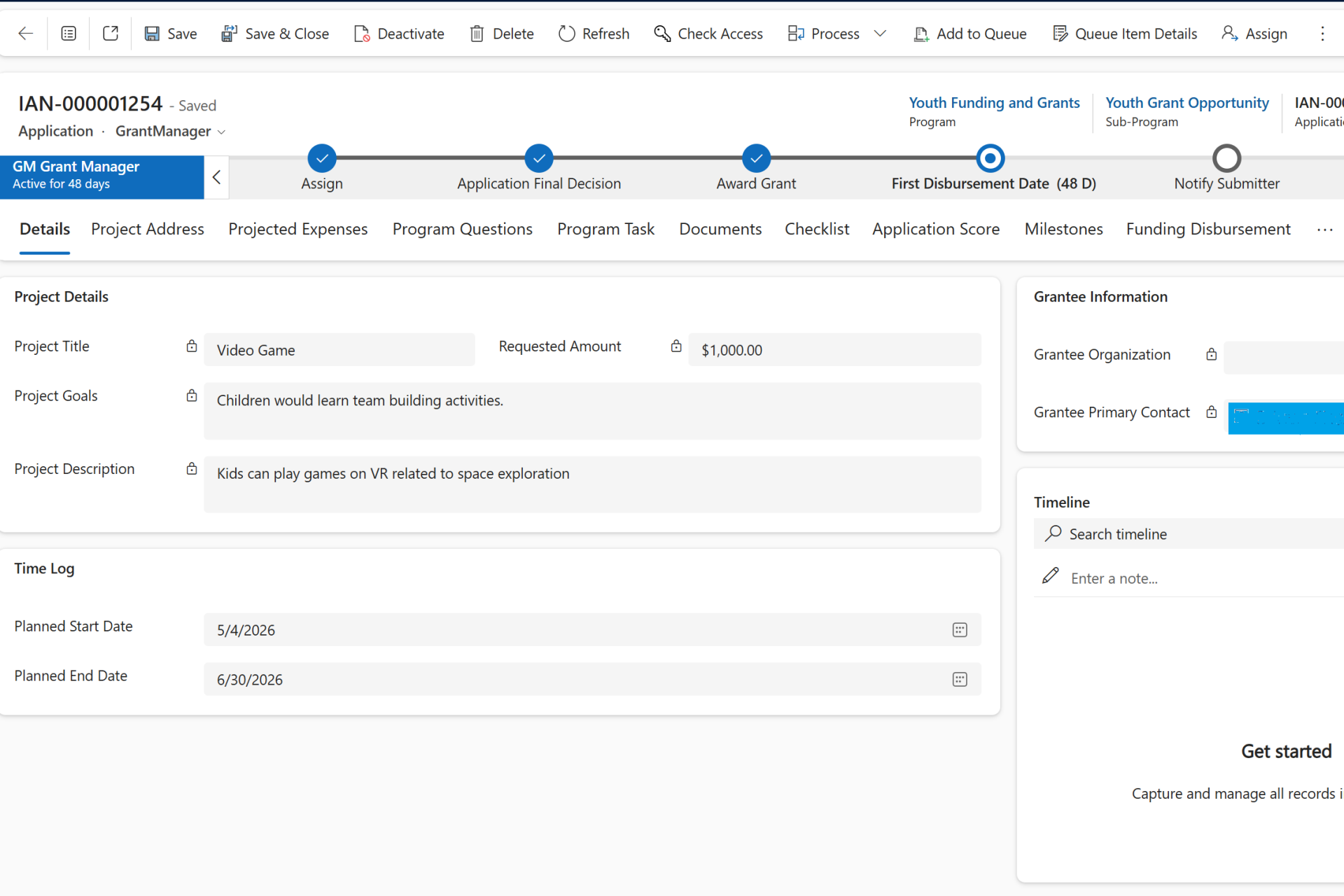
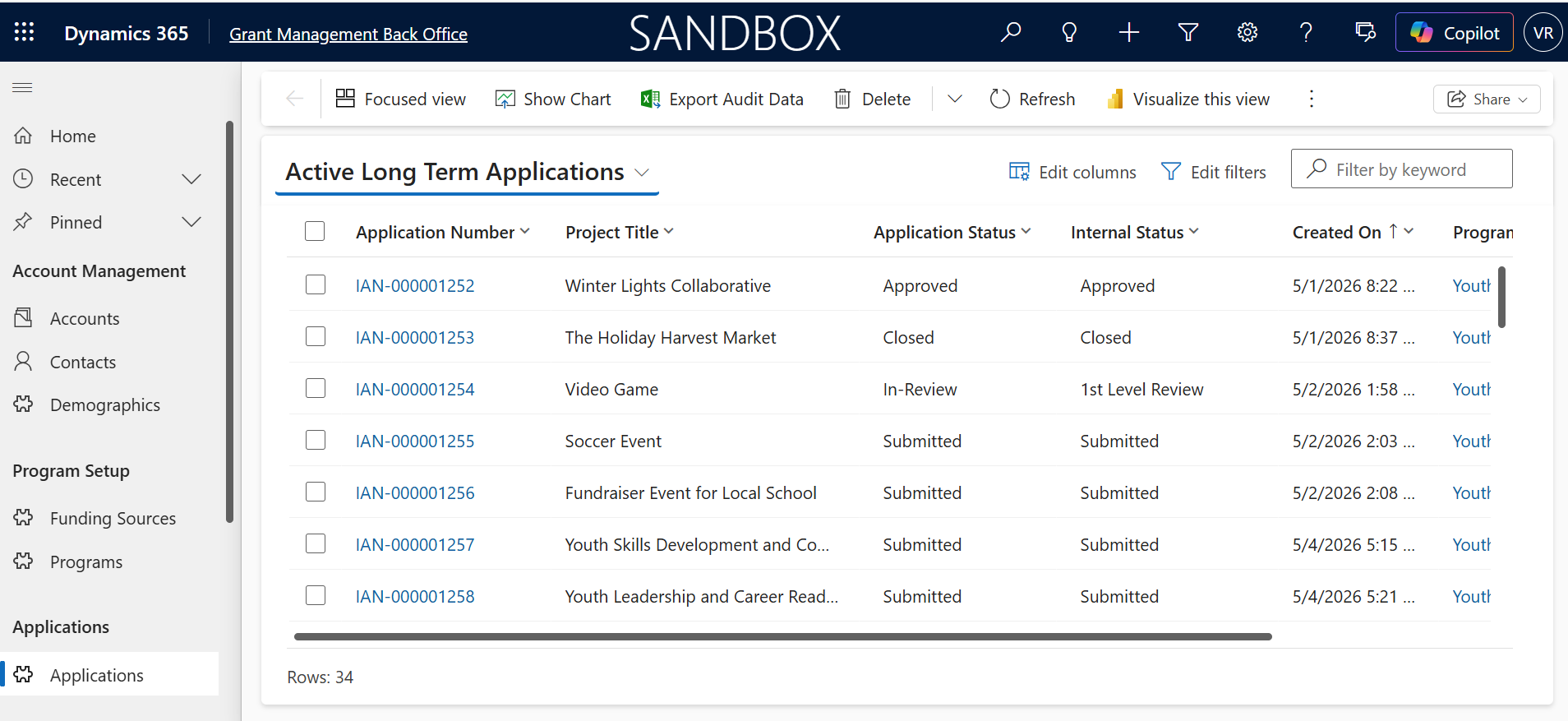
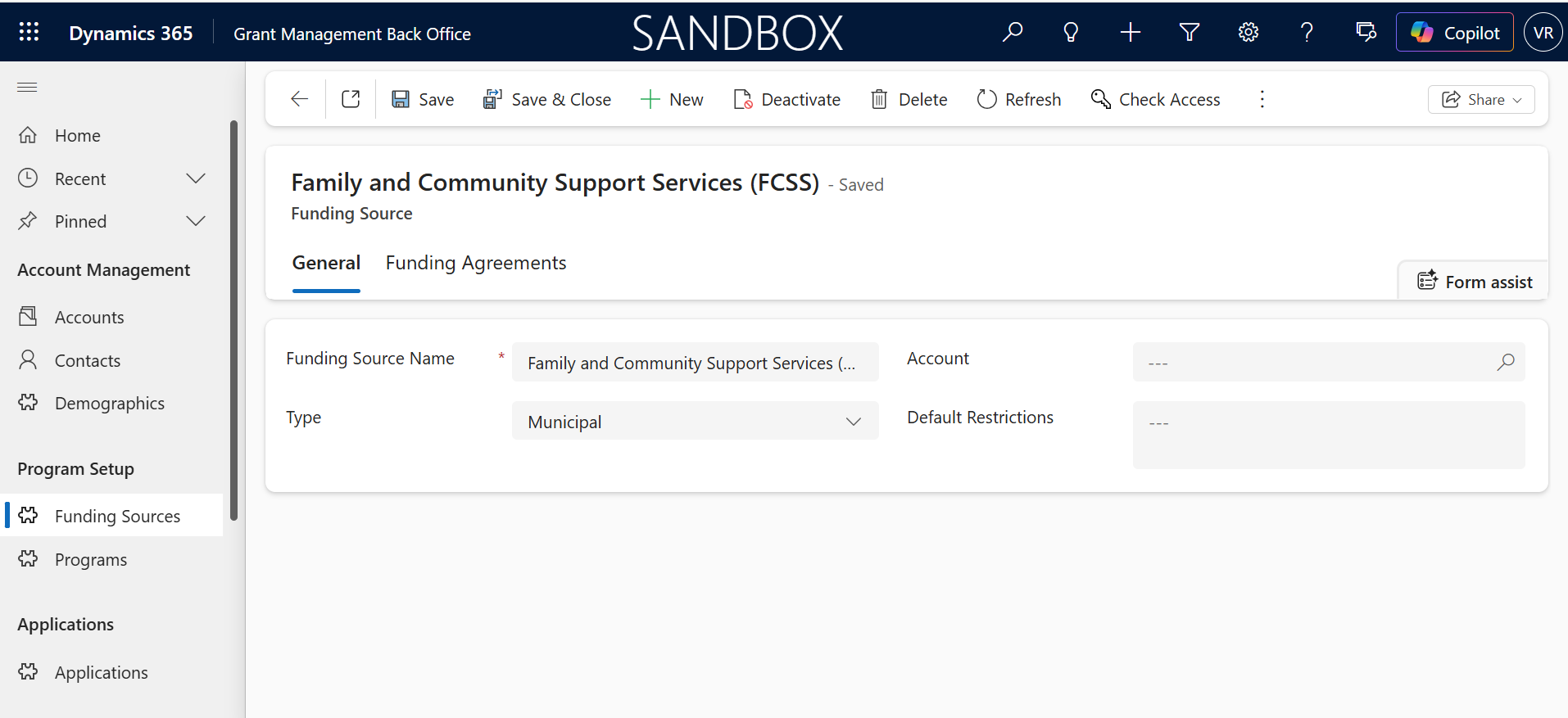
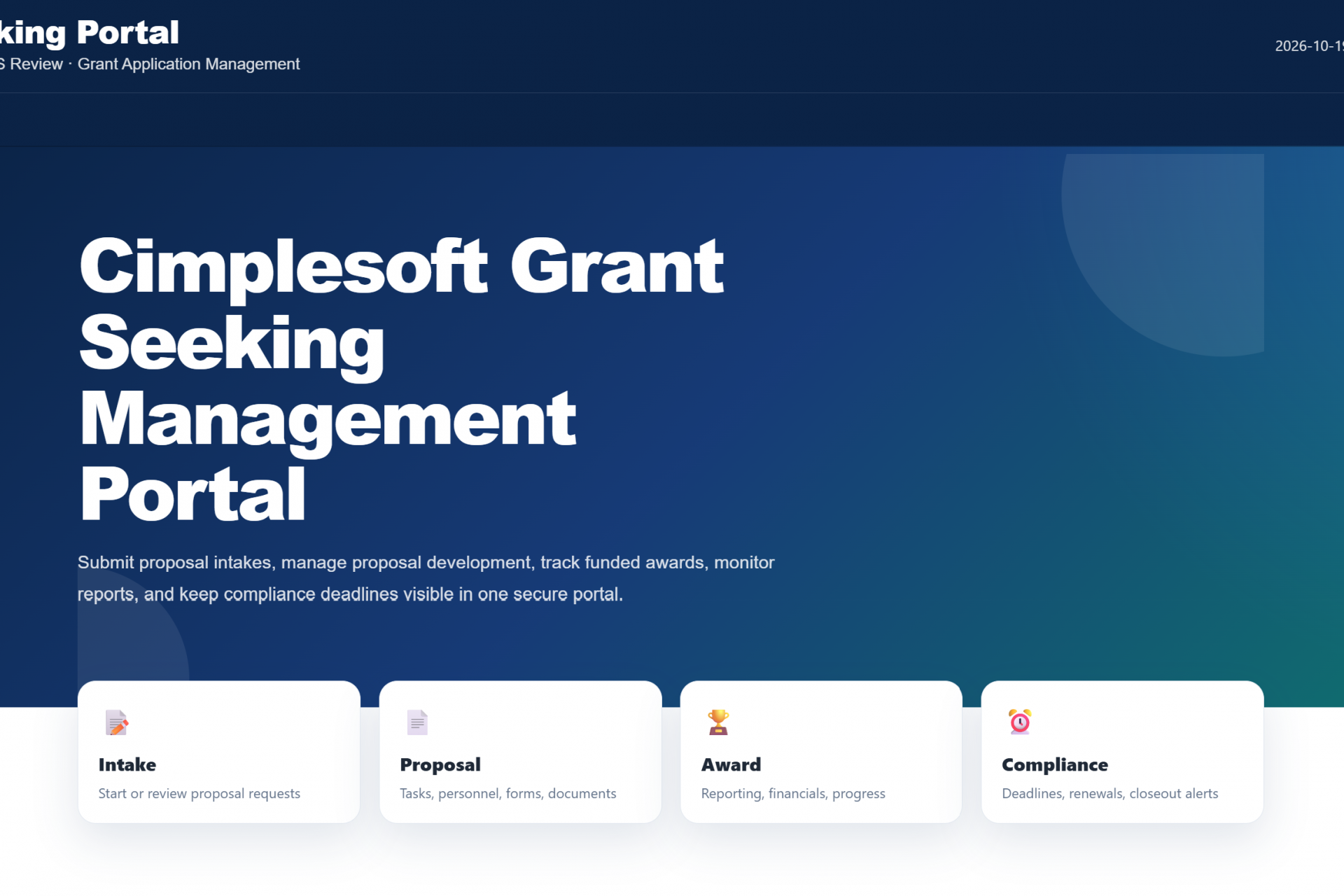
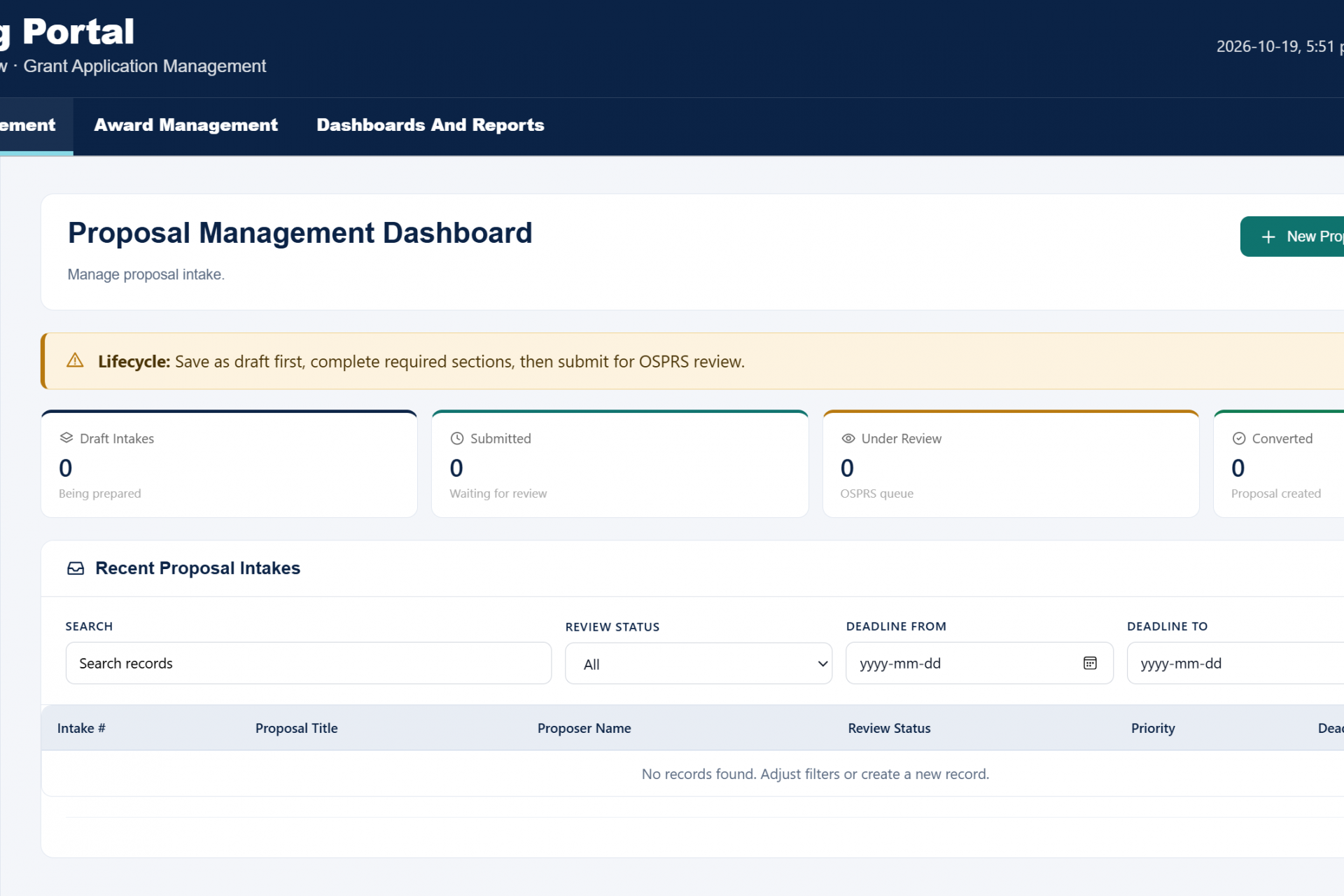
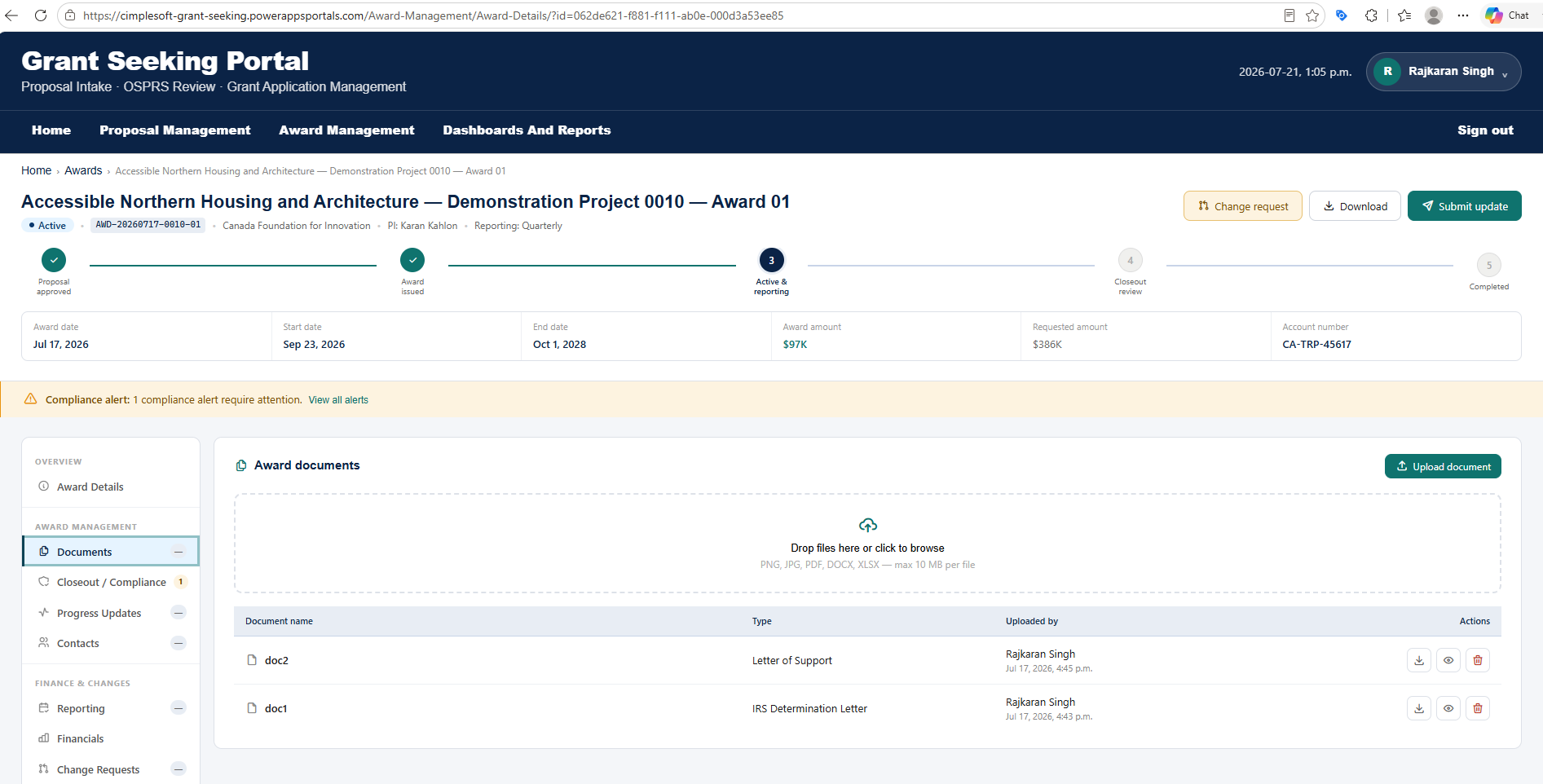
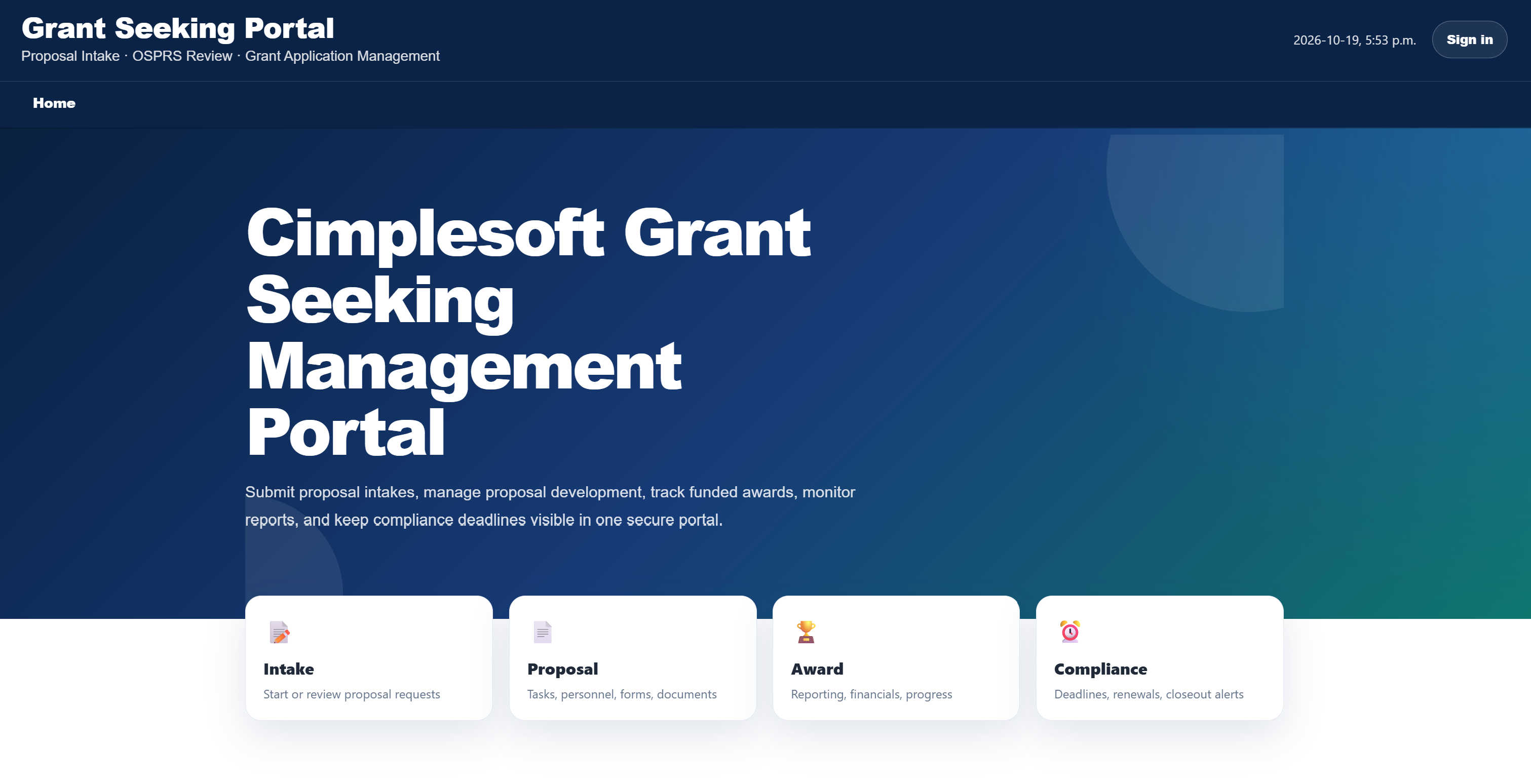
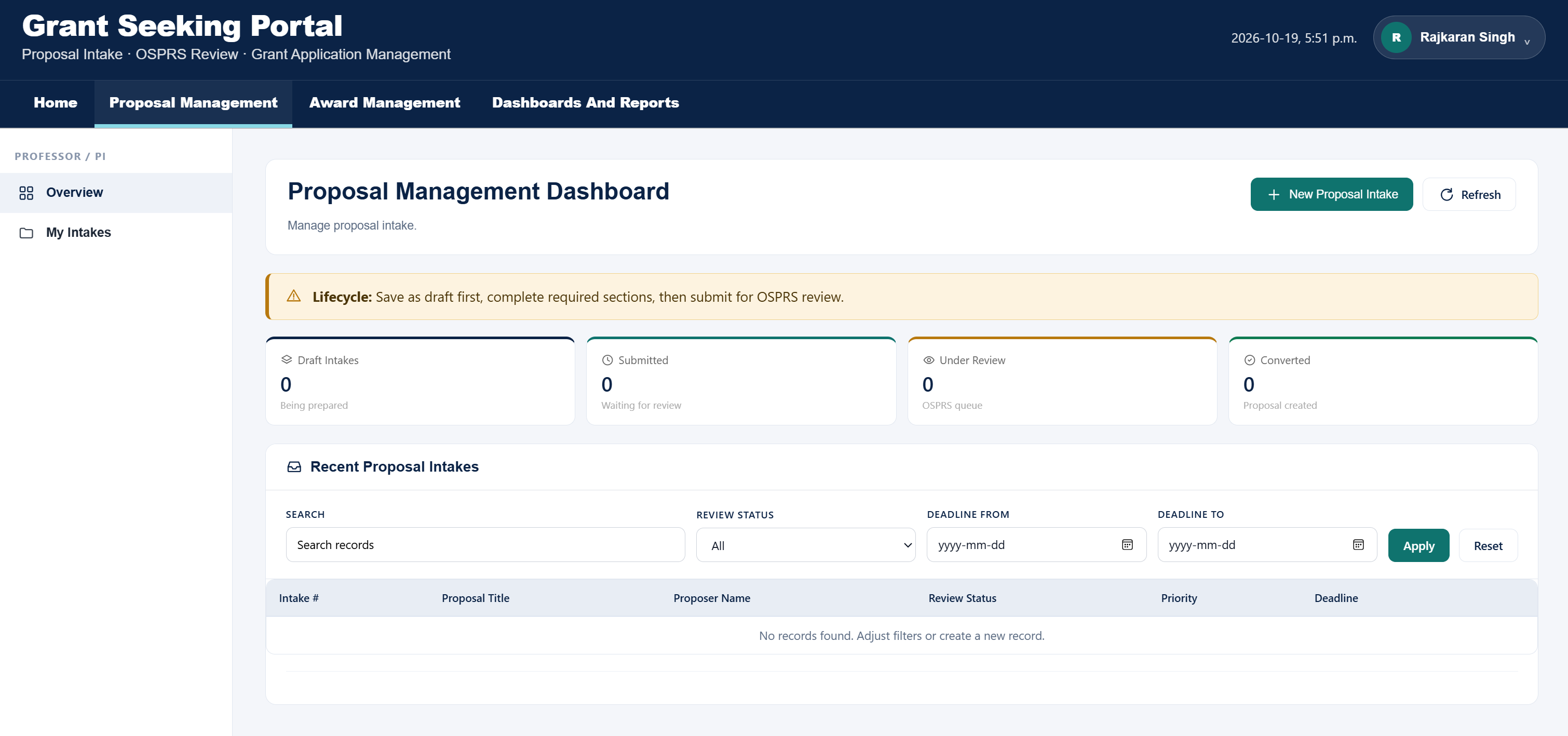
CimpleSoft’s Grant Seeking Solution streamlines the entire lifecycle of incoming grants, from proposal development and submission to award management, financial oversight, and closeout. Built on Microsoft Dynamics 365 and the Power Platform, the solution helps government agencies, universities, and organizations manage funding opportunities, collaborate across departments, and maintain greater control over their grant portfolios. 

The solution brings together sponsor information, project personnel, budgets, cost sharing, internal approvals, and submission tracking in one centralized platform. Once funding is awarded, it supports award administration, subaward and subcontract management, financial tracking, reporting obligations, and compliance activities. Automated workflows, notifications, and document management reduce administrative effort while improving accountability. 

Powered by Model-Driven Apps, Dataverse, Power Automate, and Microsoft SharePoint, the solution provides a connected, configurable environment with a single source of information. Role-based dashboards and reporting deliver a complete view of each grant, helping organizations make informed decisions throughout the funding lifecycle. 

Adapt

Configure proposal intake, sponsor information, personnel details, budget structures, financial rates, and approval workflows to align with different funding agencies, departments, and organizational requirements. 

Balance

Combine automated approval routing, deadline reminders, and compliance notifications with human oversight. Maintain control over proposal reviews, award decisions, financial management, and grant administration.

Create

Manage the complete journey from proposal development and submission to award creation, subaward management, reporting, and closeout. Connect budgets, cost sharing, project personnel, supporting documents, and financial activities within a unified system.

Flex

Accommodate different funding sources, reporting requirements, and award structures through configurable workflows. Manage award modifications, subrecipient activities, document requirements, and evolving compliance obligations without disrupting existing processes. 

Quality Design

Accommodate different funding sources, reporting requirements, and award structures through configurable workflows. Manage award modifications, subrecipient activities, document requirements, and evolving compliance obligations without disrupting existing processes.

High Performance

Designed to simplify complex grant operations through workflow automation, streamlined approvals, and centralized information management. Automated notifications, efficient data processing, and configurable dashboards support the management of multiple proposals, awards, and subawards across departments. 

Case Management System 

Powered by Microsoft Dynamics 365

The Case Management System (CMS) built by CimpleSoft leverages Microsoft Dynamics 365 Customer Engagement combined with Power Apps, Power Pages, Power Automate, and Azure Cloud into one intelligent judicial platform. It manages the complete lifecycle of legal cases from initial filing intake through clerk review, hearing scheduling, notice generation, and final order disposition ensuring transparency, auditability, and data integrity at every step. 

The solution consists of three integrated modules: a citizen-facing Power Pages portal for filers to submit filings and track case status, a back-office Model-Driven App for clerks and case managers to review, process, and adjudicate cases, and a centralized Dataverse data layer that enforces consistent status rules, docket automation, and task management across all roles. 

 Built on Microsoft Dynamics 365 CE, the platform extends its capabilities to handle docket entry automation, hearing scheduling, party notice generation, and post-hearing order workflows delivering an end-to-end, scalable, and compliant solution for courts and government agencies managing high-volume caseloads. 

Our app is available on Microsoft Marketplace

Adapt

  • Structured Clerk Review Queue: Incoming filings are automatically routed upon submission, ready for document, party, case detail, and fee validation so no manual triage required. 
  • Five-Point Validation: Clerks verify filing details, party information, attached documents, case classification, and fee or waiver status before accepting or requesting corrections. 
  • Fee Capture and Validation: Supports Paid, Waiver Requested, Waived, Exempt, and Pending fee statuses with waiver document tracking that adapts to each filer’s financial circumstances. 
  • Reject or Correct Workflow: Clerks can return filings for correction with structured notes, or reject invalid filings to maintain a complete audit trail at every transition. 

Balance

  • Automated Case Creation: Upon clerk acceptance, the system instantly creates a Case record, generates a unique Case Number, and copies all parties, documents, and fee details from the filing. 
  • Smart Warning System: Context-aware banners surface the right next action at each stage. ‘Hearing required but not scheduled,’ ‘Notice to parties pending,’ and ‘Hearing outcome not recorded’ that keeps automation balanced with human decision points. 
  • Hearing Scheduling: A single Schedule Hearing action creates the full Hearing record with type, date, time, judge/panel, courtroom or virtual link, and hearing mode and triggers the docket entry automatically. 
  • Automated Notice Generation: All active case parties receive hearing notices immediately after scheduling, with delivery method, status, sent date, and sender tracked which balance system efficiency with party rights obligations. 

Create

  • Four Auto-Generated Docket Entries: Case created from accepted filing → Initial hearing scheduled → Notice of hearing sent to all parties → Hearing held, order pending. Each entry captures docket type, code, description, related case, and related hearing. 
  • Three Hearing Prep Tasks: Once all notices are sent, the system automatically creates Prepare Hearing Packet, Confirm Hearing Calendar, and Record Hearing Outcome tasks with structured due dates relative to the hearing date. 
  • Order Follow-Up Task: An Enter/Upload Order task is created immediately after the hearing outcome is recorded, due two days post-hearing, keeping the case moving toward final disposition without manual tracking. 
  • Status Model Enforcement: The system enforces a structured status model across Filing, Case, Case Substatus, Hearing, Notice, Task, Docket Entry, and Fee while preventing invalid transitions and ensuring a consistent, defensible record always. 

Flex

  • Hearing Outcome Recording: Case managers record outcomes including hearing status (Held, Continued, Cancelled), outcome type (Order Pending, Dismissed, Resolved), actual times, parties present, and next hearing requirements. 
  • Outcome Docket Entry (Auto-Generated): Upon saving the outcome, the system posts the docket entry and transitions Case Substatus to Order Pending automatically. 
  • Extensible to Full Disposition: The status model supports case closure, reopening, on-hold, and disposal workflows that enables the system to grow from initial go-live scope to full case lifecycle management over time. 
  • Complete Audit Trail: Every status change, docket posting, and task completion is time-stamped and attributed, providing courts with a full-history record from initial submission through final order which is ready for regulatory or legal review at any time. 
Quality Design

Built with precision using Microsoft’s proven Power Platform architecture. Implements standardized components across Power Pages, Dataverse, and Model-Driven Apps. Follows consistent UI and workflow logic to deliver intuitive experiences for clerks, case managers, and filers. Ensures data integrity, auditability, and seamless extensibility across all court workflows. 

High Performance

Validated through comprehensive load and stress testing using StressStimulus. Sustains 200+ concurrent filing submissions with consistent response times under 4 seconds. Optimized Dataverse queries, Power Automate flows, and automated docket triggers ensure enterprise-grade reliability and scalability for high-volume court operations. 

Need to meet your program goals and realize your vision?